Seasonal campaigns
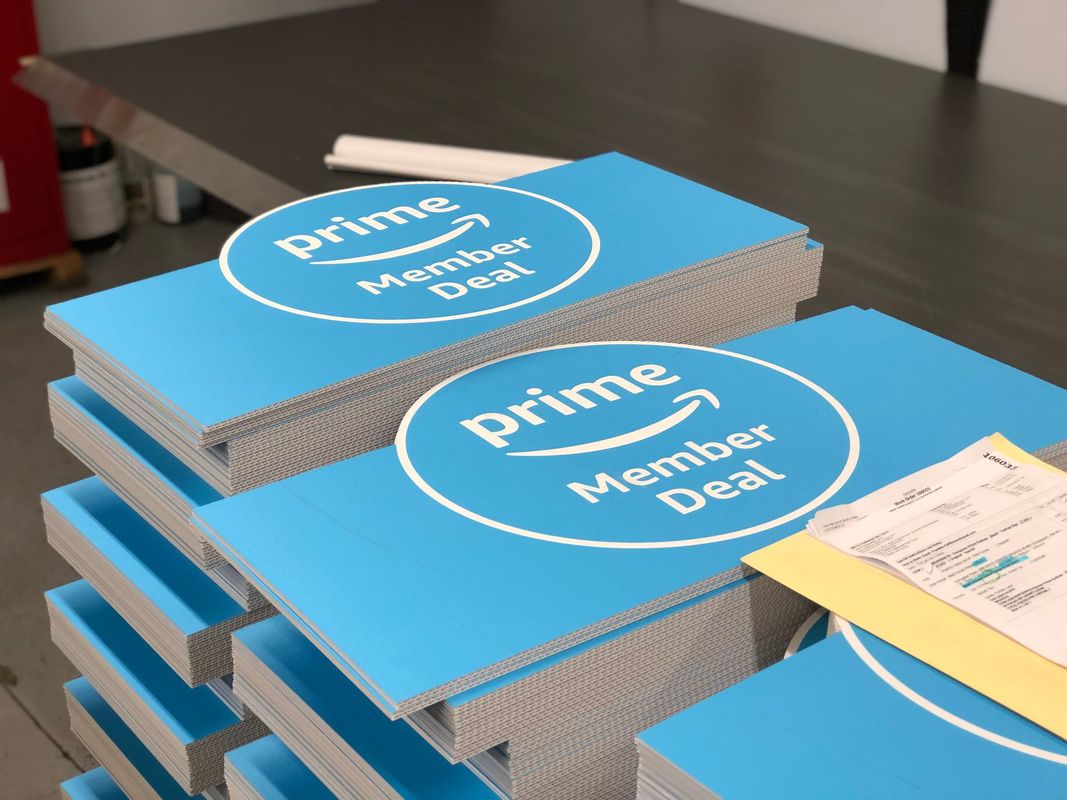
Promotions, menu changes, and store materials coordinated for a campaign release.


Retail & multi-location print programs
Signage, menus, display pieces, labels, and printed collateral—produced and packed around each location’s needs. Bring us your item list, store requirements, and schedule.
Promotions, menu changes, and store materials coordinated for a campaign release.
Print, signs, and setup materials brought together around the opening plan.
Repeat materials, changing versions, and replenishment needs planned by location.
Selected retail work
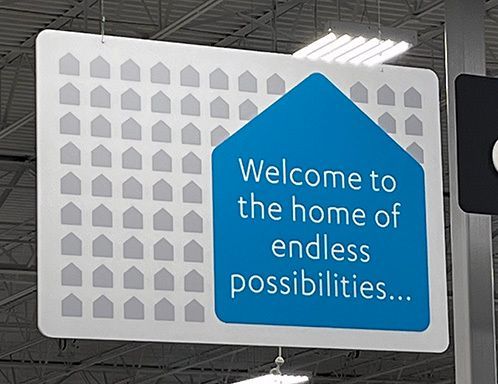
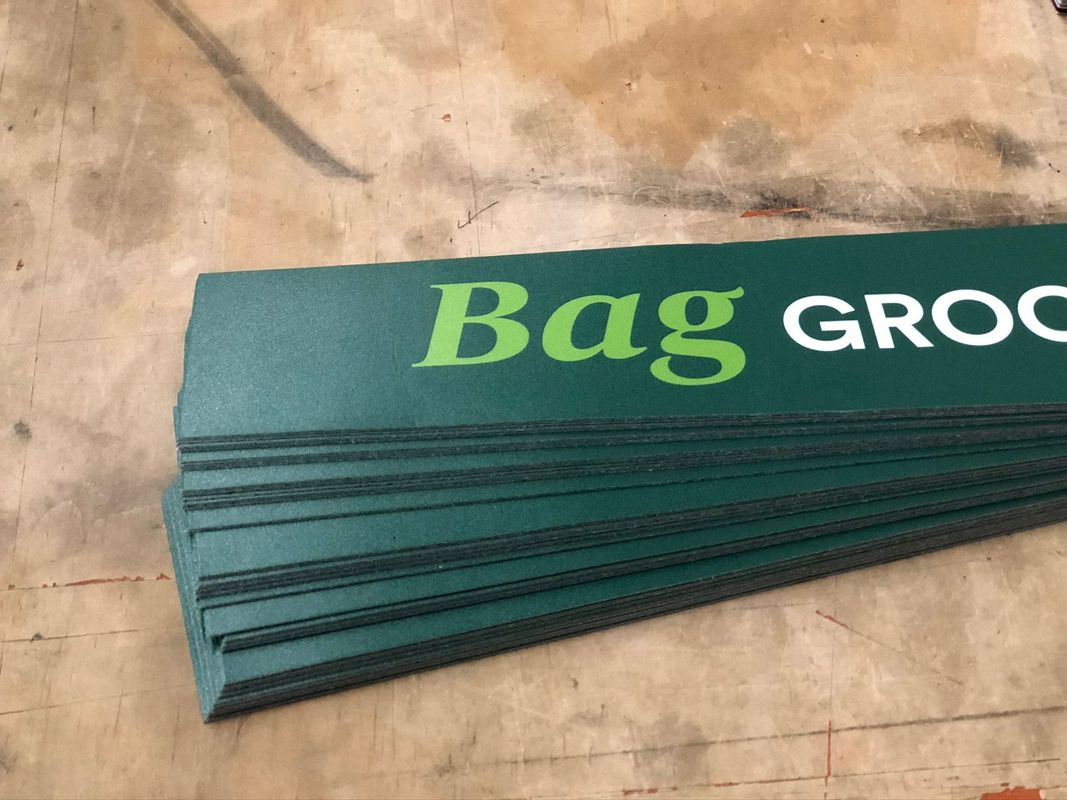
Printed components and installed store graphics from our published work.
Plan the differences before production
Offers, quantities, fixtures, languages, and delivery instructions can change from one location to the next. We work through those differences with the print specifications.
Explore kitting & fulfillmentConnect item IDs, artwork versions, and quantities to the correct destination. Your existing spreadsheet can be the starting point.
Item list · Version names · Quantity by store · Ship-to details
A representative kit can confirm the component mix, packing order, protection, labeling, and setup instructions before full assembly. The review method is agreed for the project.
Address shortages, late supplied pieces, revised artwork, or changed destinations against the approved plan. We work out the effect on quantities, packing, cost, and schedule before the next release.
Review carton sizes, weights, shipping services, delivery requirements, and release waves together. One distribution center and individual store deliveries call for different plans.
Required in-hand date and planned ship date are separate milestones.
SKL template
Use this SKL to list each delivery destination and the quantity of every component it should receive.
Blank templates · 4 component columns to start.
The Excel version includes formatting and a short instruction sheet.
Already have a spreadsheet? Send that instead.
A look inside the SKL
Example only| Store / destination | Product 1 |
Product 2 |
Product 3 |
Product 4 |
|---|---|---|---|---|
| 001 Location A | 2 | 12 | 4 | 1 |
| 002 Location B | 4 | 18 | 6 | 2 |
| 003 Location C | 1 | 8 | 2 | 0 |
The files also include delivery address, city, state, ZIP and country.
Use one row for each delivery destination. Include the store number, destination name and complete address, with any suite or unit in the address field.
Tell us which product, size and artwork version each quantity column represents. For more than four components, add columns and review the layout with us.
Enter whole numbers for each destination. Use 0 when a component is not required. A blank means the quantity is still unconfirmed—not zero.
The Excel template formats store numbers and address fields as text. When importing a CSV, choose Text for store numbers and ZIP / postal codes.
Send the completed SKL with your project name, revision and required dates. It is a planning file—not an artwork approval, address validation or production release.
Inside an Execuprint kit
A closer look
Watch our published kit walkthrough, then talk with us about what would change for your locations.
Print, supplied items, instructions, protection, and packing can be planned as parts of the same project.
Talk through your kitBuild the program around the pieces
Explore individual products, or send the complete brief without choosing a category first.
Windows, shelves, counters, aisles, and overhead.
Menus, offers, handouts, and supporting collateral.
Product, promotional, and identification pieces.
Shaped displays, easel backs, and store callouts.
Branded bags for retail, gifts, and events.
Protective packaging and presentation components.
Before you send the brief
Supplied items can be included when quantities, condition, dimensions, receipt dates, and handling requirements are defined. Tell us which components are already being produced elsewhere.
No. An item list, sample, rough specifications, or a previous campaign can start the discussion. Pricing and timing are confirmed against the agreed specifications and approvals.
We can discuss repeat production, storage, replenishment, and ordering needs. These are scoped around the program—not assumed to be included in every print order. Explore portal options.
Start with the component list, quantities by location, artwork versions, destination information, packing needs, and required delivery dates. Mark what is confirmed and what is still open.
Optional text template. Your own specifications are welcome. For store-by-store quantities, download the SKL template.
Start with the work you have
Bring us a complete specification sheet or a program still taking shape. We’ll help work through the production, packing, and delivery requirements.
Send the item list, location requirements, and schedule you already use. There’s no need to retype your specifications.
Email your specificationsOpens your email app. Attach your brief, then send.
customercare@execuprint.com
Use our guided quote page, or call to talk through the pieces, destinations, and target date.
Already discussing a project? Use the same project name with your files.
Upload project files ↗ Request relevant samples → Explore all solutions →
661.220.5213
customercare@execuprint.com
Monday–Friday · 8am–5pm Pacific
Los Angeles 818.993.8184
Bentonville, Arkansas
479.653.5595
Family-owned. Thoughtful work. Personal care. Our purpose & story
© 2026 Execuprint, Inc. All rights reserved.